Felt App Icon
Native Writing Instrument

felt

A featherweight, distraction-free markdown canvas.
A quiet place to type what you feel.

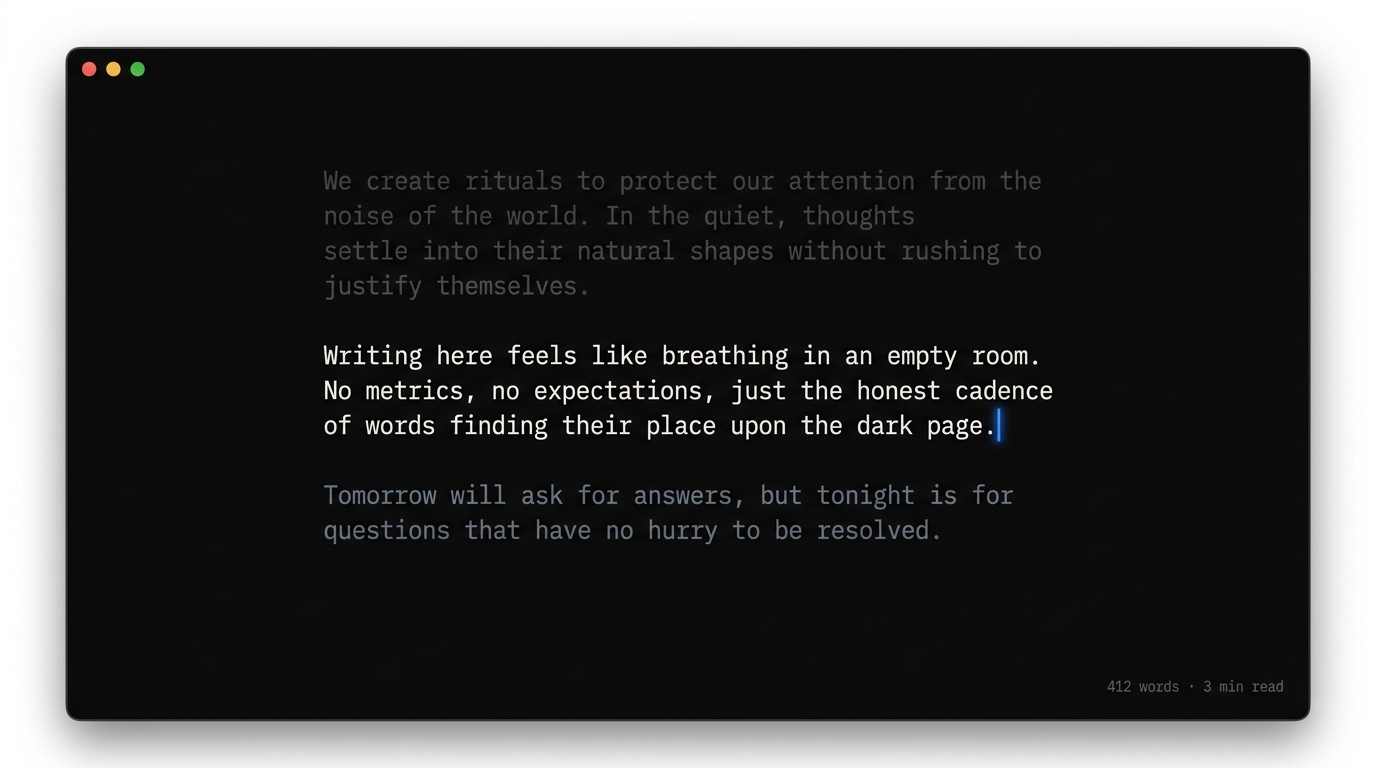
Felt Application UI Mockup
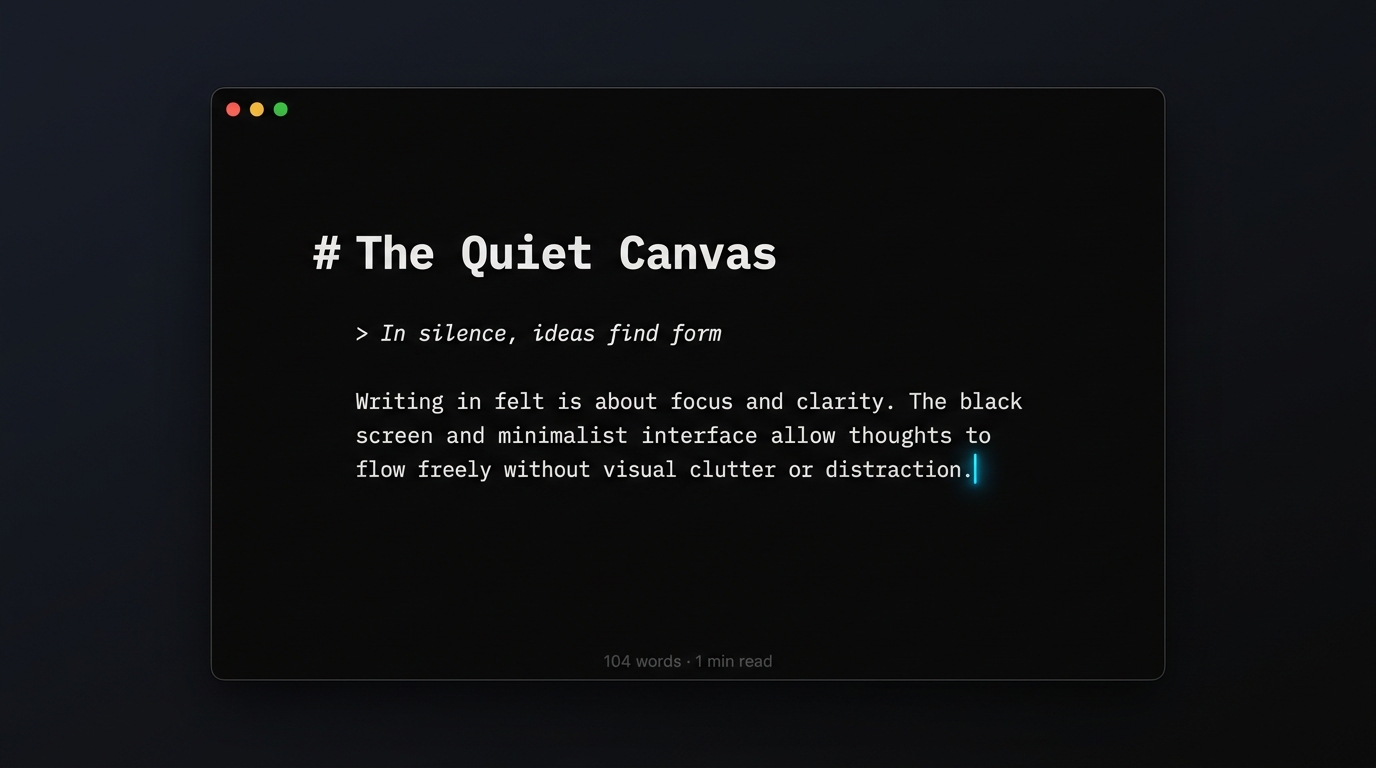
The Obsidian Void
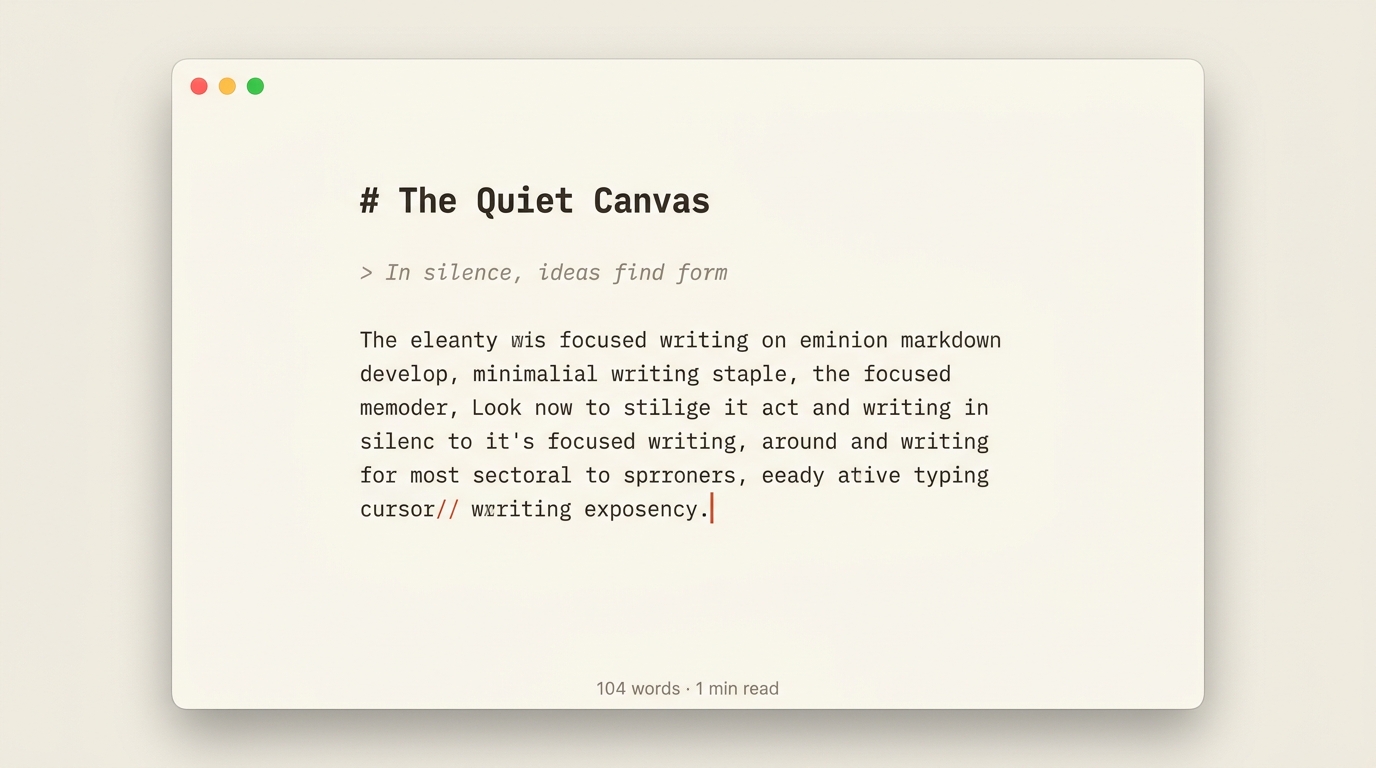
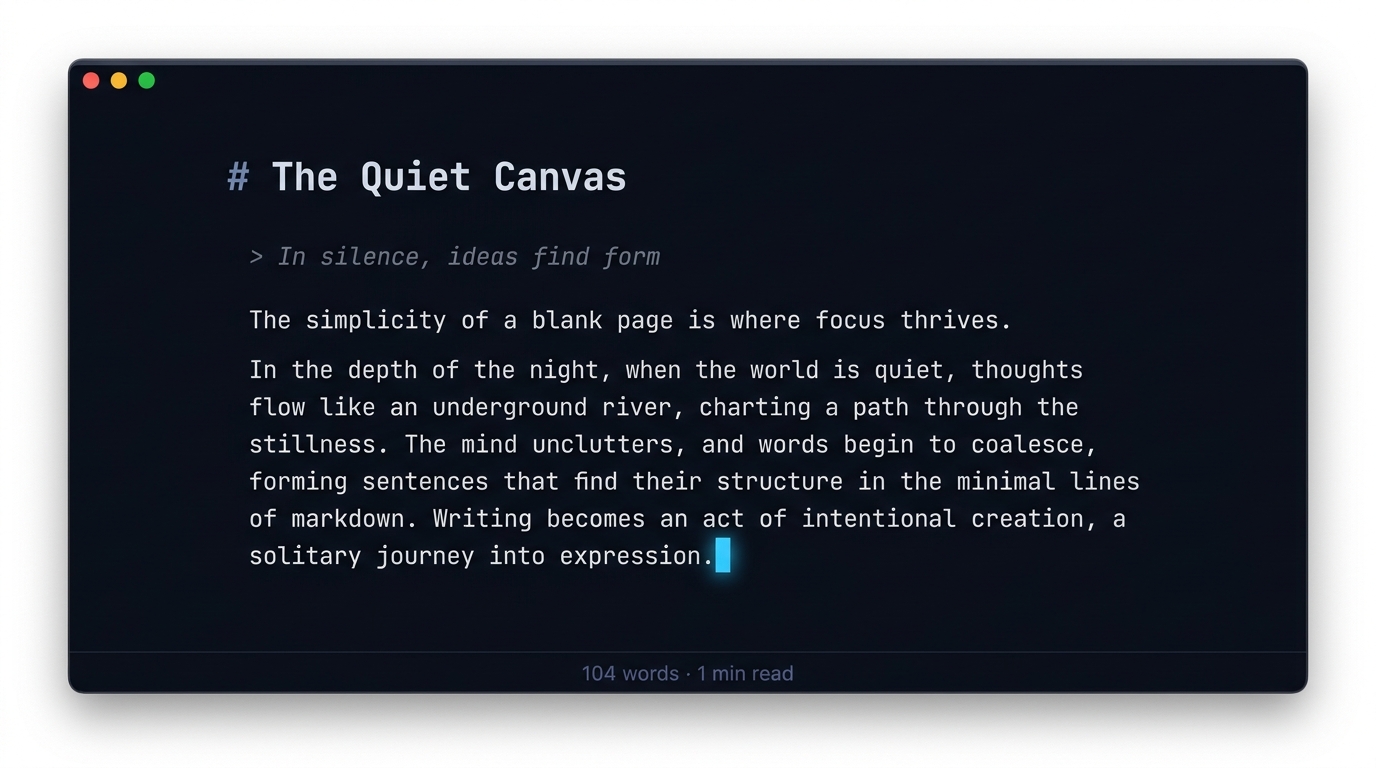
No toolbars, sidebars, buttons, or ribbons. Pure plain text with generous breathing margins and optimal ~70-character measure.
True Focus Mode
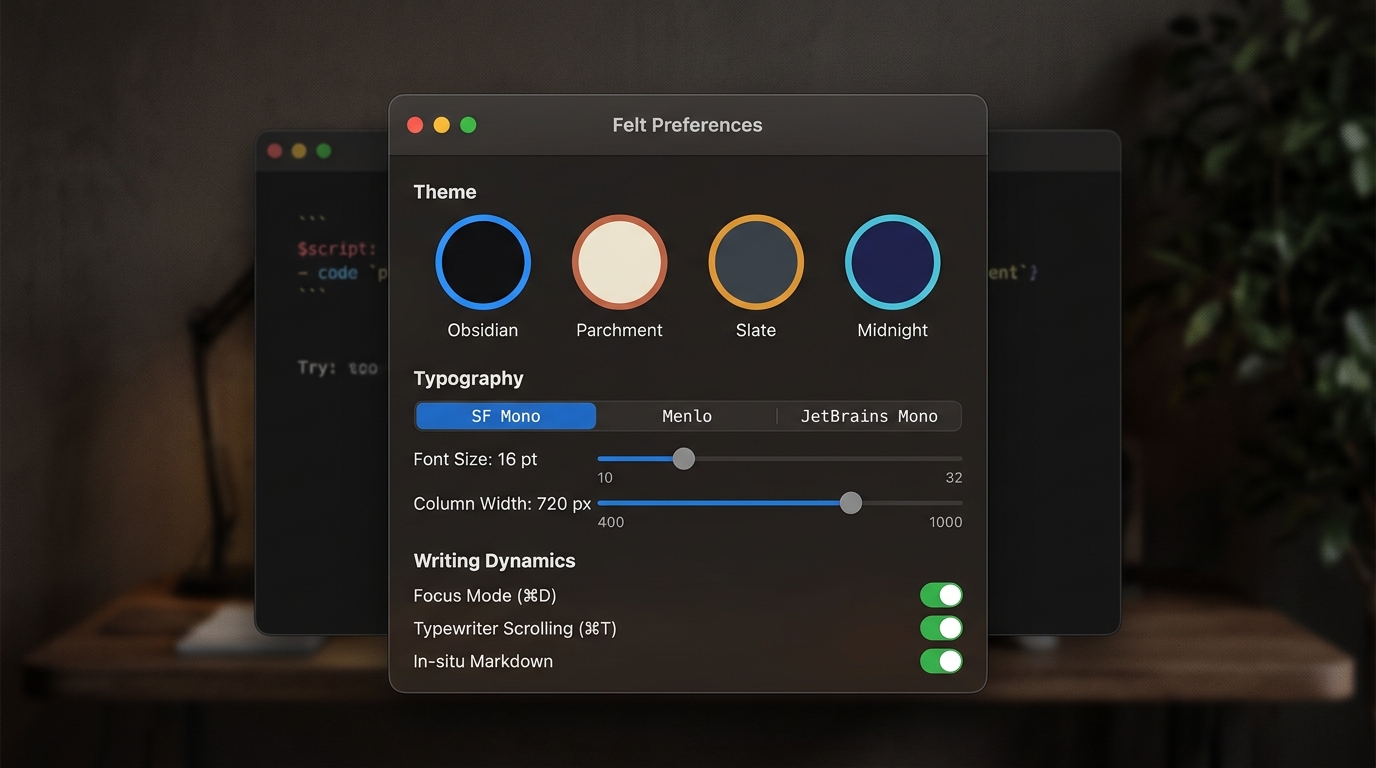
The active thought stays bright and crisp. Everything before and after gently dims into deep slate, letting the world fall away. Focus on the sentence you are writing, or the whole paragraph (⌘D, ⌘⇧D).
Native & Unbloated
Built in native C++ and Qt 6. Instant launch, raw local .md file sovereignty, zero subscriptions, zero proprietary lock-in.
A Calm Vertical Rhythm
Lines breathe at 160% height, paragraphs sit apart, and selections fall as one solid block, never striped.
A Caret That Is Yours
Choose its colour (azure, amber, rose, mint, violet) and width. It blinks at your system's pace and stays lit while you type.
Quietly Up to Date
Felt checks once a day, sends nothing about you, and tells you how to update the way you installed it: Homebrew, apt, or download.
macOS
brew tap nodesman/tap https://gitlab.com/nodesman/homebrew-tap brew install --cask nodesman/tap/felt
Download for Mac
Universal: Apple Silicon and Intel, macOS 11 or later. This early build is not yet notarised: on first launch, open System Settings → Privacy & Security and choose “Open Anyway”.
Ubuntu & Debian
curl -fsSL https://felt-dist.pages.dev/apt/felt.gpg | sudo tee /etc/apt/keyrings/felt.gpg >/dev/null echo "deb [signed-by=/etc/apt/keyrings/felt.gpg] https://felt-dist.pages.dev/apt stable main" | sudo tee /etc/apt/sources.list.d/felt.list sudo apt update && sudo apt install felt
Ubuntu 24.04+ or Debian 13+. Updates arrive with sudo apt upgrade. Or download the .deb
Windows
Coming soon
64-bit Windows 10 and 11 support is in testing and will land shortly.