01 · Obsidian Void
Nothing between you and the sentence.
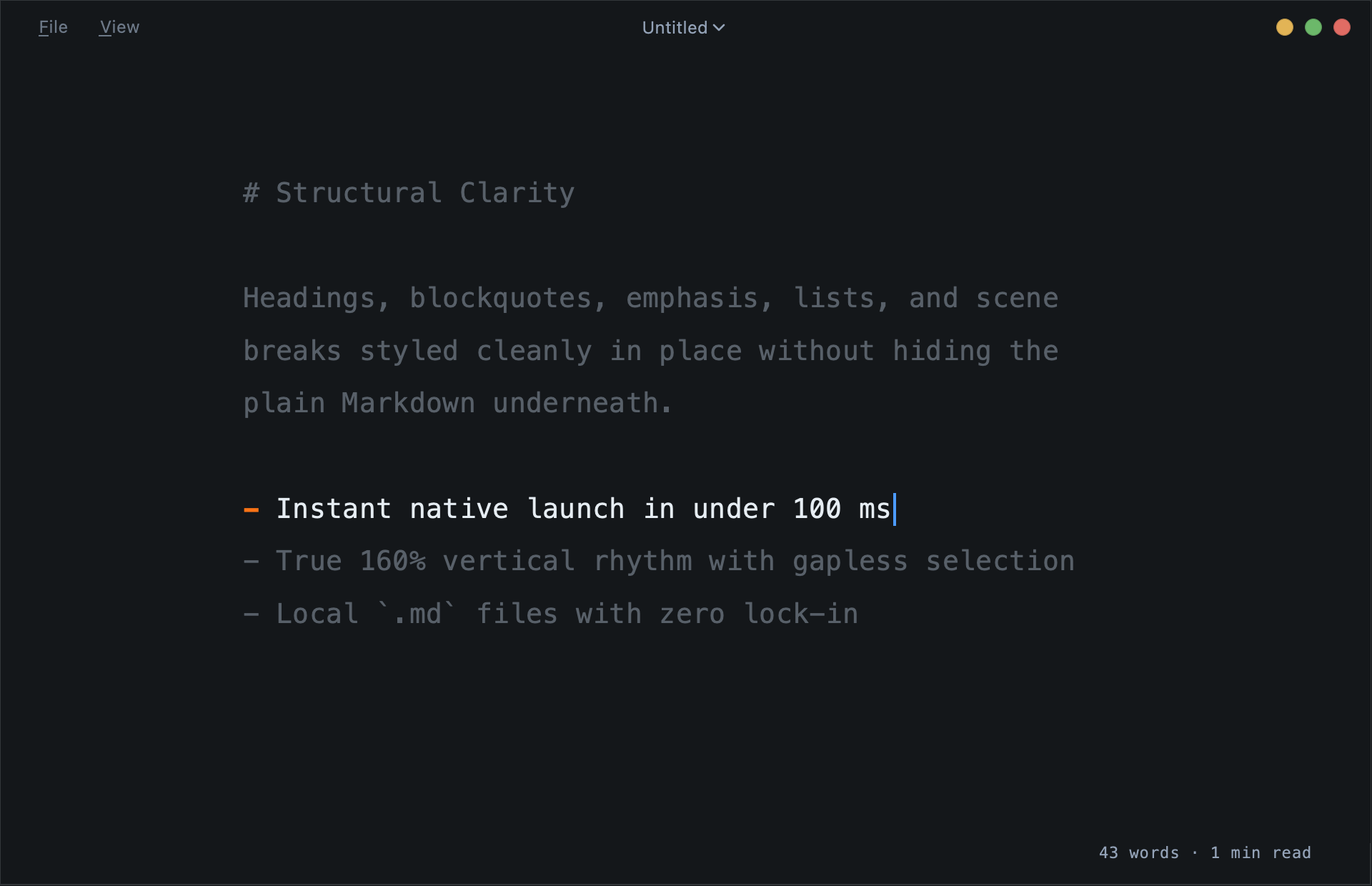
No toolbars, ribbons, or sidebars competing for the eye. Generous breathing margins and a calm ~70-character writing measure.
A featherweight native markdown writing instrument for macOS and Linux. Instant launch, local files, zero subscriptions.
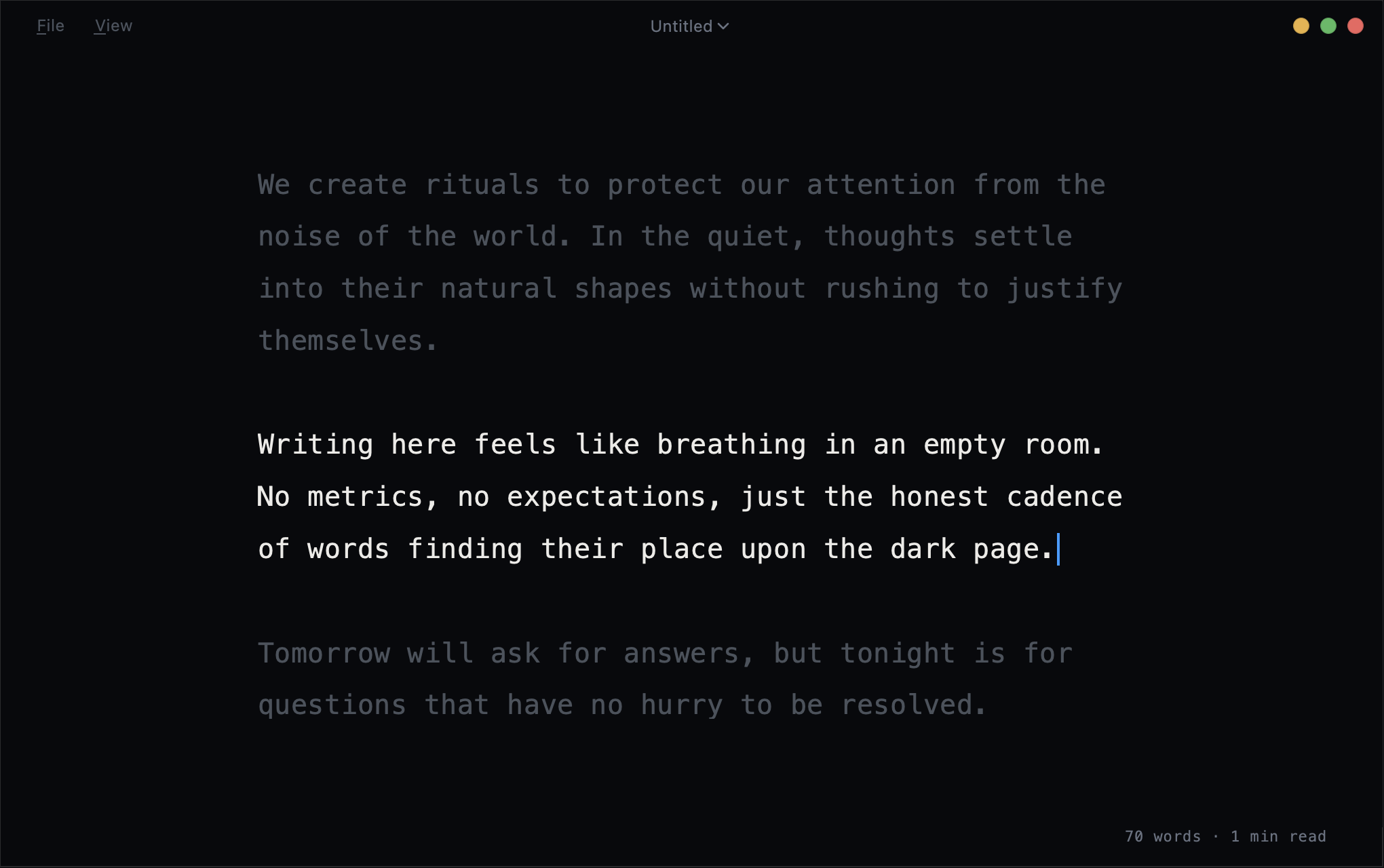
No toolbars, ribbons, or sidebars competing for the eye. Generous breathing margins and a calm ~70-character writing measure.
Keep the active sentence or paragraph sharp while everything before and after recedes into deep slate (⌘D, ⌘⇧D).
A true native desktop app—instant startup, raw local .md files on your disk, zero accounts, and zero subscriptions.
True 160% proportional line height with evenly split leading and continuous, gapless selection across wrapped lines and paragraphs.
Azure blue by default—or pick amber, rose, mint, violet, or theme-matched—with configurable width and steady typing illumination.
Checks at most once a day with zero telemetry, and offers the exact upgrade path for how you installed Felt: Homebrew, apt, or direct download.
Unaltered captures from Felt 0.1.3. Switch atmospheres live without losing cursor position or undo history.
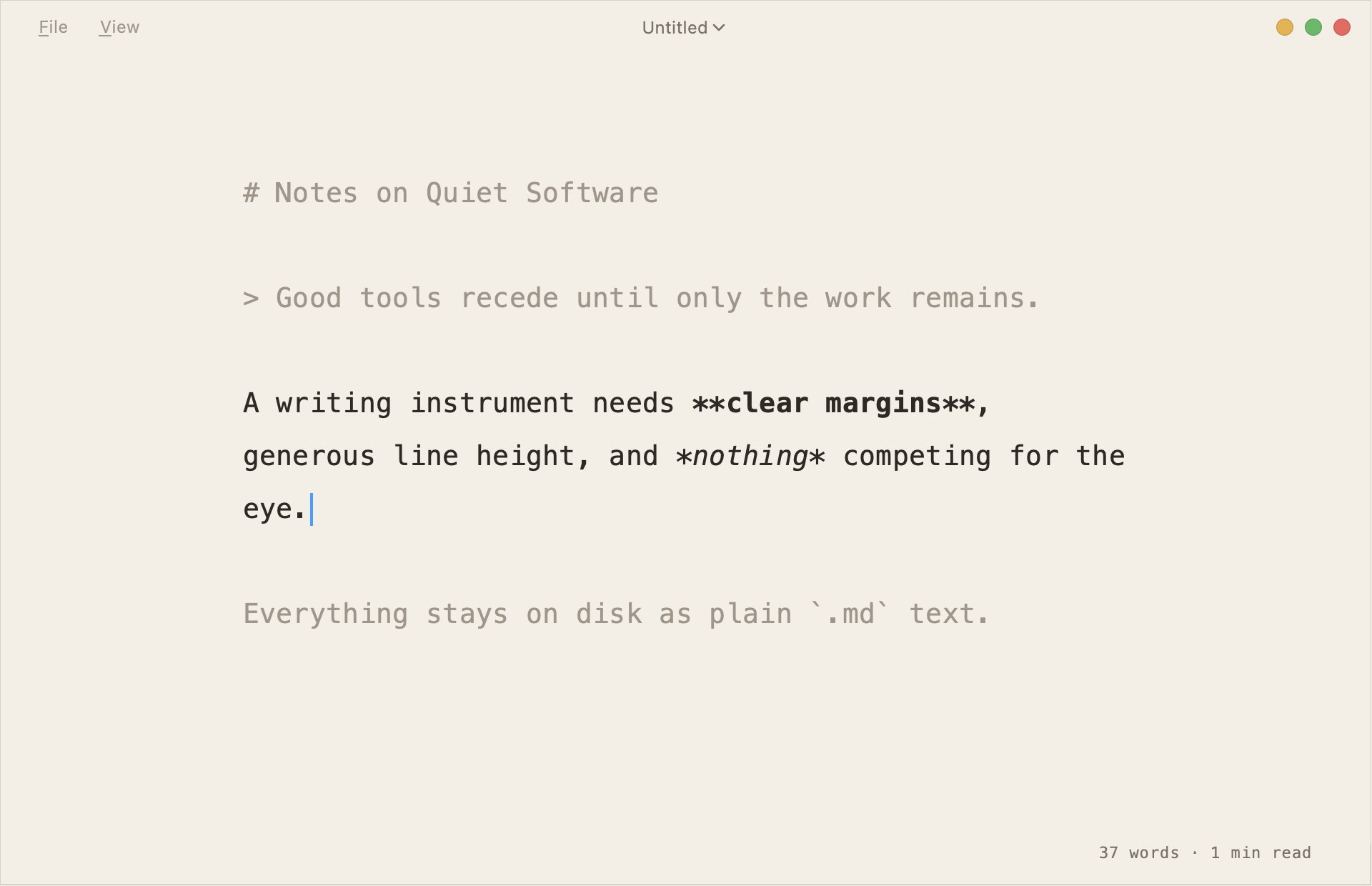
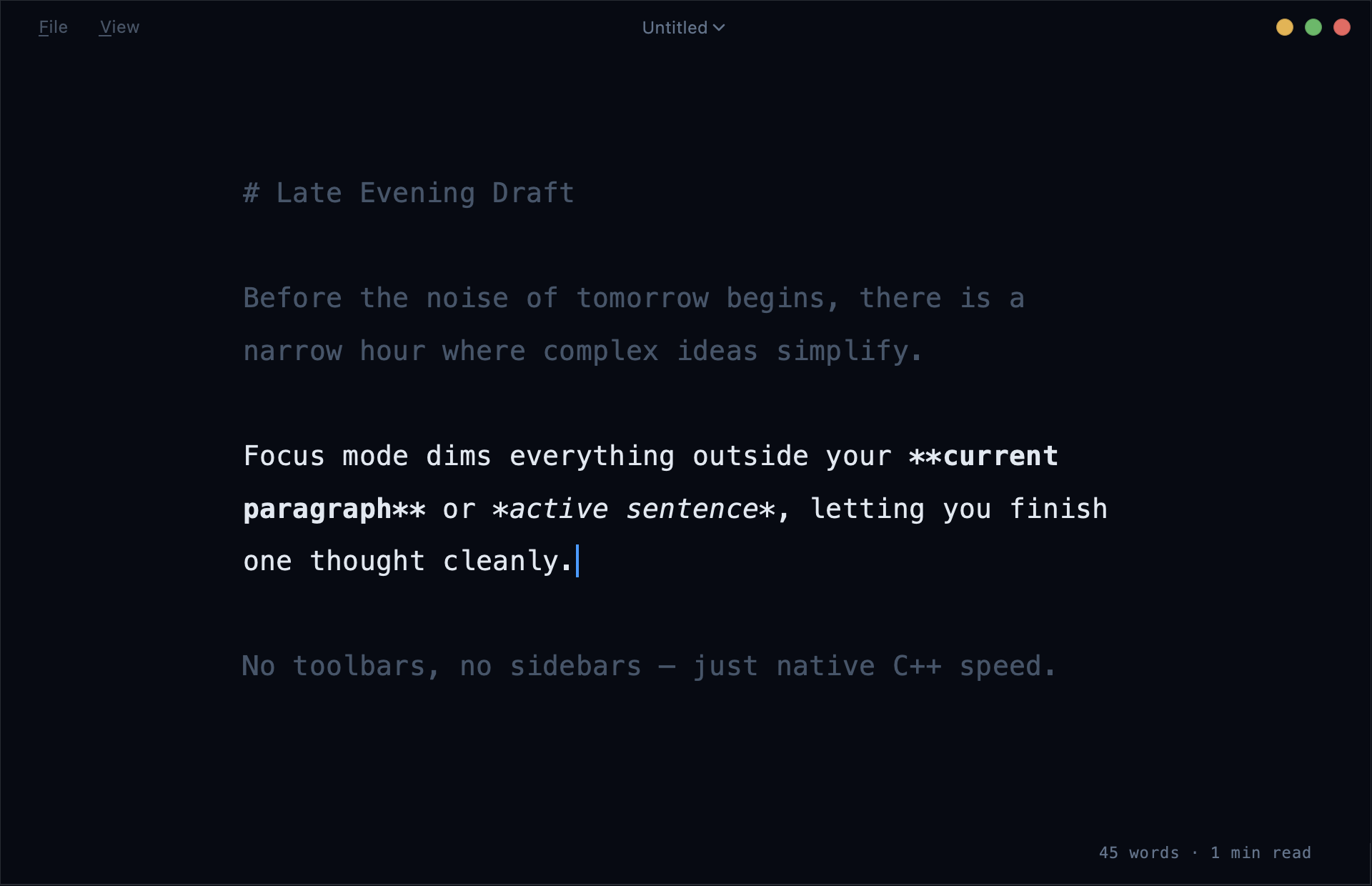
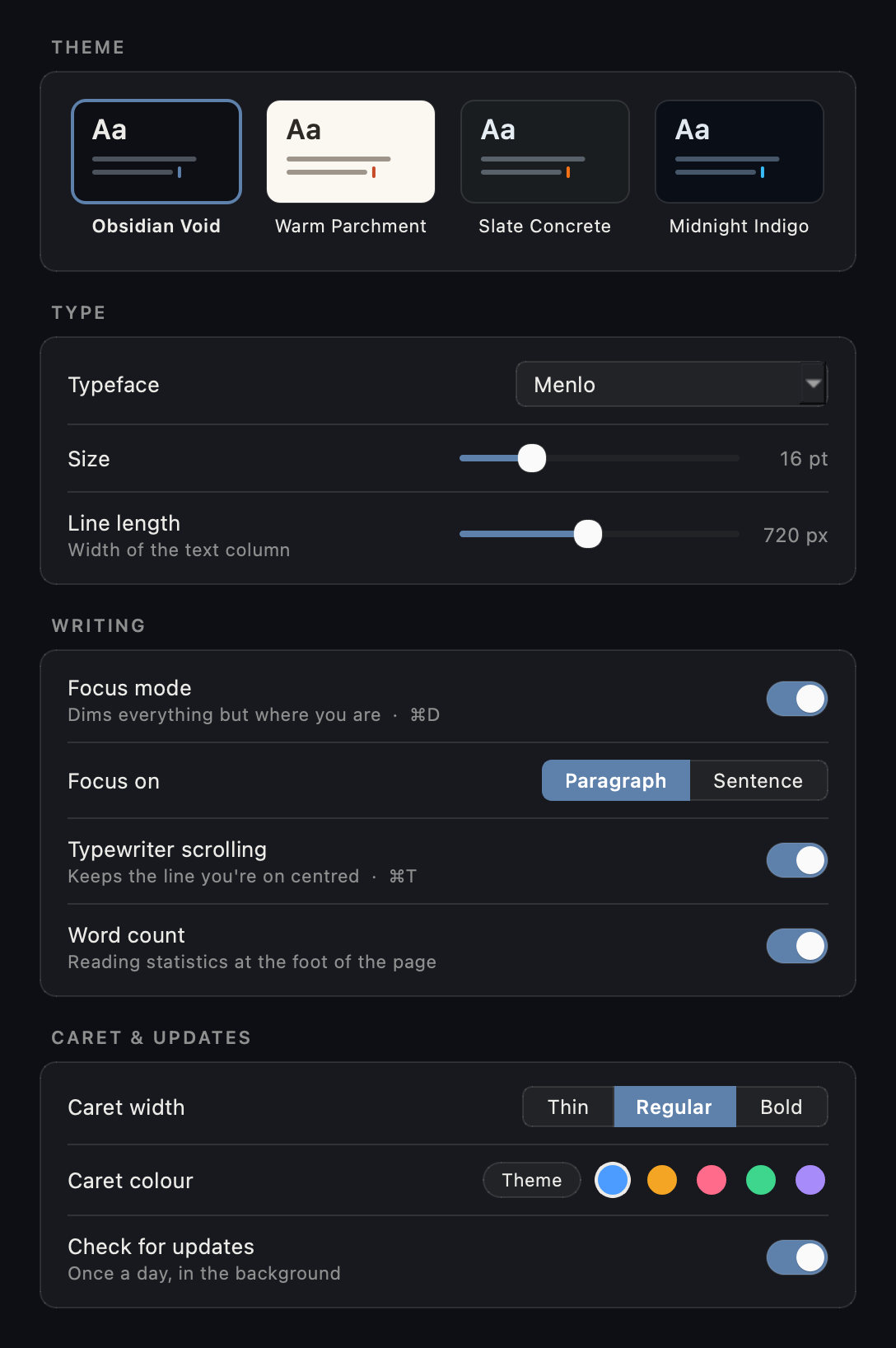
No nested tabs or buried JSON files. Adjust your atmosphere, column measure, focus granularity, and caret colour while watching the page respond live.
Free for macOS and Linux. Choose your operating system below to install via package manager or direct archive.
brew tap nodesman/tap
brew install --cask nodesman/tap/felt
xattr -cr /Applications/Felt.app
Early builds are not yet notarised: xattr -cr /Applications/Felt.app clears the macOS quarantine flag once after install (or open System Settings → Privacy & Security → “Open Anyway”).
curl -fsSL https://felt.aramudan.dev/apt/felt.gpg | sudo tee /etc/apt/keyrings/felt.gpg >/dev/null
echo "deb [signed-by=/etc/apt/keyrings/felt.gpg] https://felt.aramudan.dev/apt stable main" | sudo tee /etc/apt/sources.list.d/felt.list
sudo apt update && sudo apt install felt
Ubuntu 24.04+ or Debian 13+. Future releases arrive automatically with sudo apt upgrade.
64-bit Windows 10 and 11 support is in final testing and will land shortly.
Latest: Felt 0.1.3